File Server monitoring with Topologix
Infrastructure & Networking
Windows file-server health over WinRM — SMB share availability, FSRM quota pressure, and SMB security-config drift: SMBv1 must be off and signing required, with any drift called out by name on the card.
Requirements
- A low-privilege domain account with WinRM (HTTPS/5986) access to the file server(s). Credentials are stored server-side and never sent to the browser.
- WinRM reach from the Topologix server or — recommended — a proxy agent on the LAN. FSRM (File Server Resource Manager) is optional: quota rows appear only where it’s installed.
1 · Set up the integration
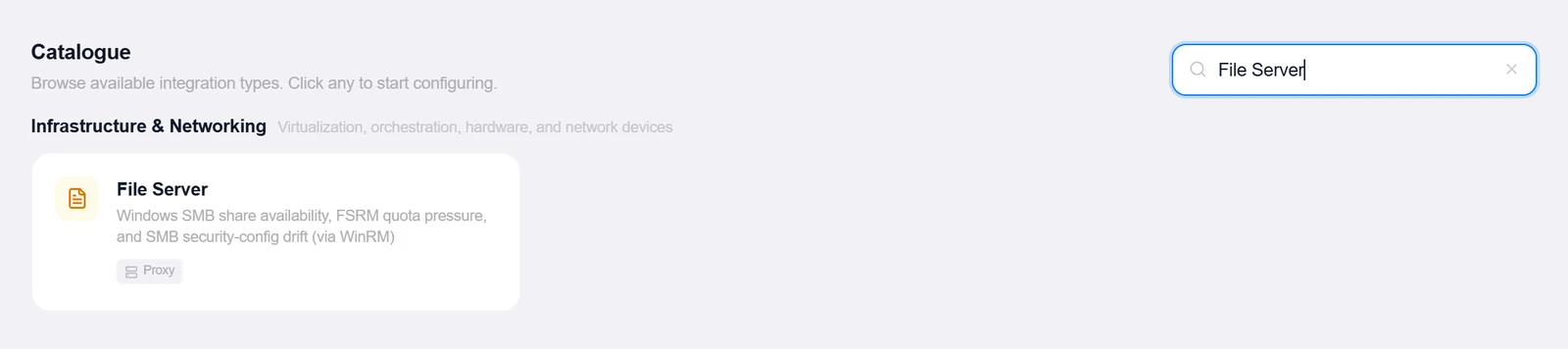
- Open the Integrations pageClick Integrations in the toolbar and pick File Server from the catalogue.
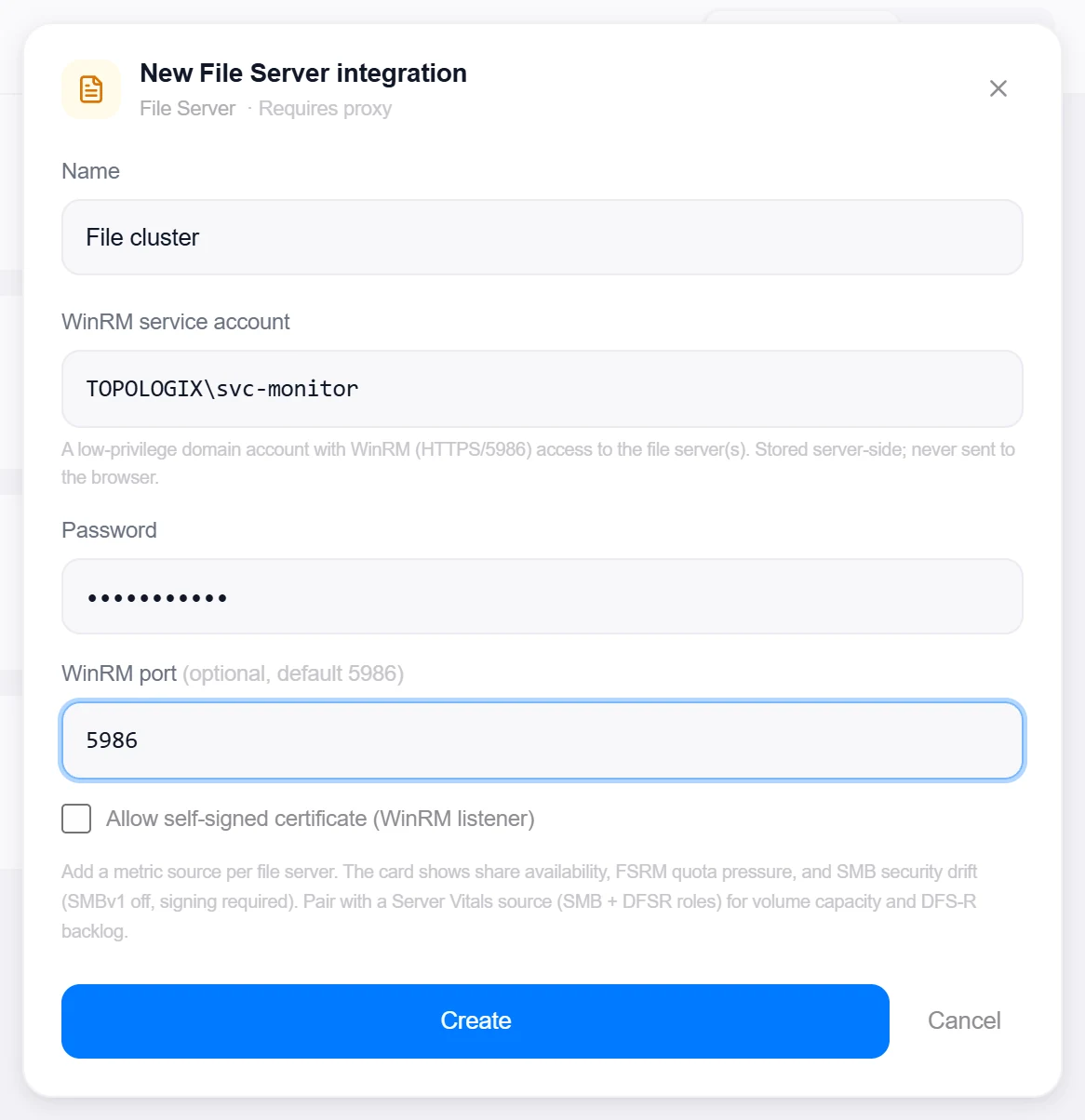
- Enter the WinRM accountWinRM service account (e.g.
CORP\svc-monitor), Password, optional WinRM port (default 5986), and the self-signed listener toggle. - Pick the proxyConnect via proxy (recommended) for file servers on the LAN.
- Create, then verifyClick Create, then reopen the integration, enter a server under Test file server host, and click Test to verify WinRM access. Each file server becomes its own metric source.
Target on a private network? Route it through a proxy agent. Proxy agents run inside your network — behind NAT, on a management VLAN, in an air-gapped segment — and reach targets the Topologix server can't. The agent polls the server every 15 seconds for its assignments, runs the checks locally, and pushes results back every 5 seconds, so no inbound firewall rules are ever needed. Set a default proxy on the integration; every metric source can override it. If a proxy goes offline, its sources are marked stale within ~90 seconds and the last known values stay visible.
2 · Add it to a flow
- Select the file-server nodeClick the node, open Metrics, then + Add and choose the File Server integration.
- Point at the serverEnter the File server host and the FSRM quota warn % (default 90).
- SaveSet the interval and click Add Source. The card shows shares with online state and encryption flags, the SMBv1/signing/encryption verdicts with named drift, and FSRM quotas worst-first with the near-limit count.
Live canvas screenshots for this integration require a real File Server environment, so this guide shows the configuration screens only — the flow steps above work exactly like every other integration.
Good to know
- Two allowlisted collectors per poll —
smb-config(Get-SmbServerConfiguration + Get-SmbShare) andfsrm-quota(Get-FsrmQuota); a missing FSRM install is tolerated and the card still renders shares and SMB config. - Volume capacity and DFS-R backlog come from the windows_exporter
smb/dfsrroles on a Server Vitals source; ransomware signals (mass renames, file-screen bursts) come from the Windows-security Graylog presets.
More Infrastructure & Networking integrations
See it on your own infrastructure
Book a demo and we will walk you through Topologix with your systems in mind: on our cloud, or self-hosted in your own network.