H3C HDM monitoring with Topologix
Infrastructure & Networking
H3C UniServer hardware health via HDM’s (H3C Device Manager) Redfish API — temperatures, fans, power draw, PSUs, drives, RAID arrays, and NIC link state — with discovery fallbacks tuned to HDM firmware quirks, so R4900/R6900/R4300-class servers report correctly even where their Redfish tree deviates from the standard.
Requirements
- An HDM account (read-only is enough) on an H3C UniServer R-series machine (R4900 / R6900 / R4300 and friends).
- HTTPS reach to the HDM management address from the server or a proxy agent on the management network. Self-signed certificates are accepted with the verification toggle.
1 · Set up the integration
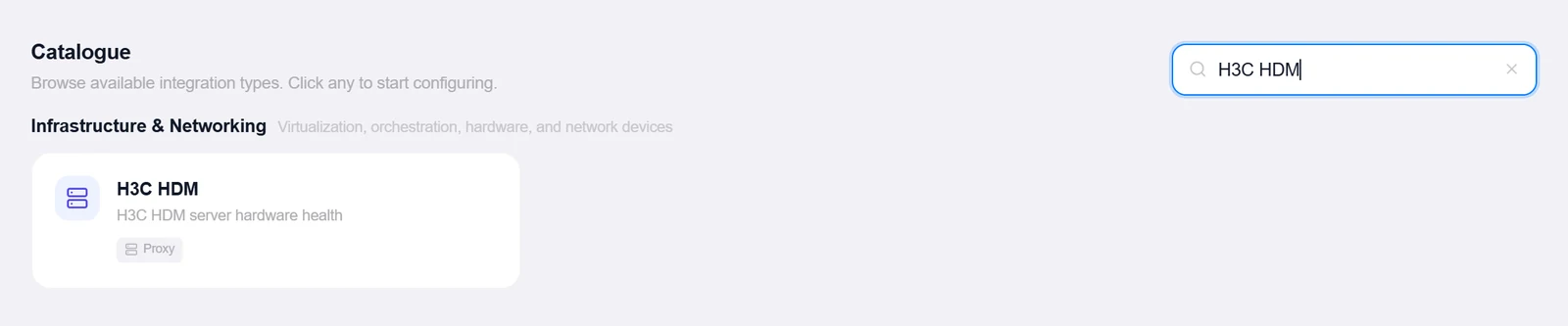
- Open the Integrations pageClick Integrations in the toolbar and pick H3C HDM from the catalogue.
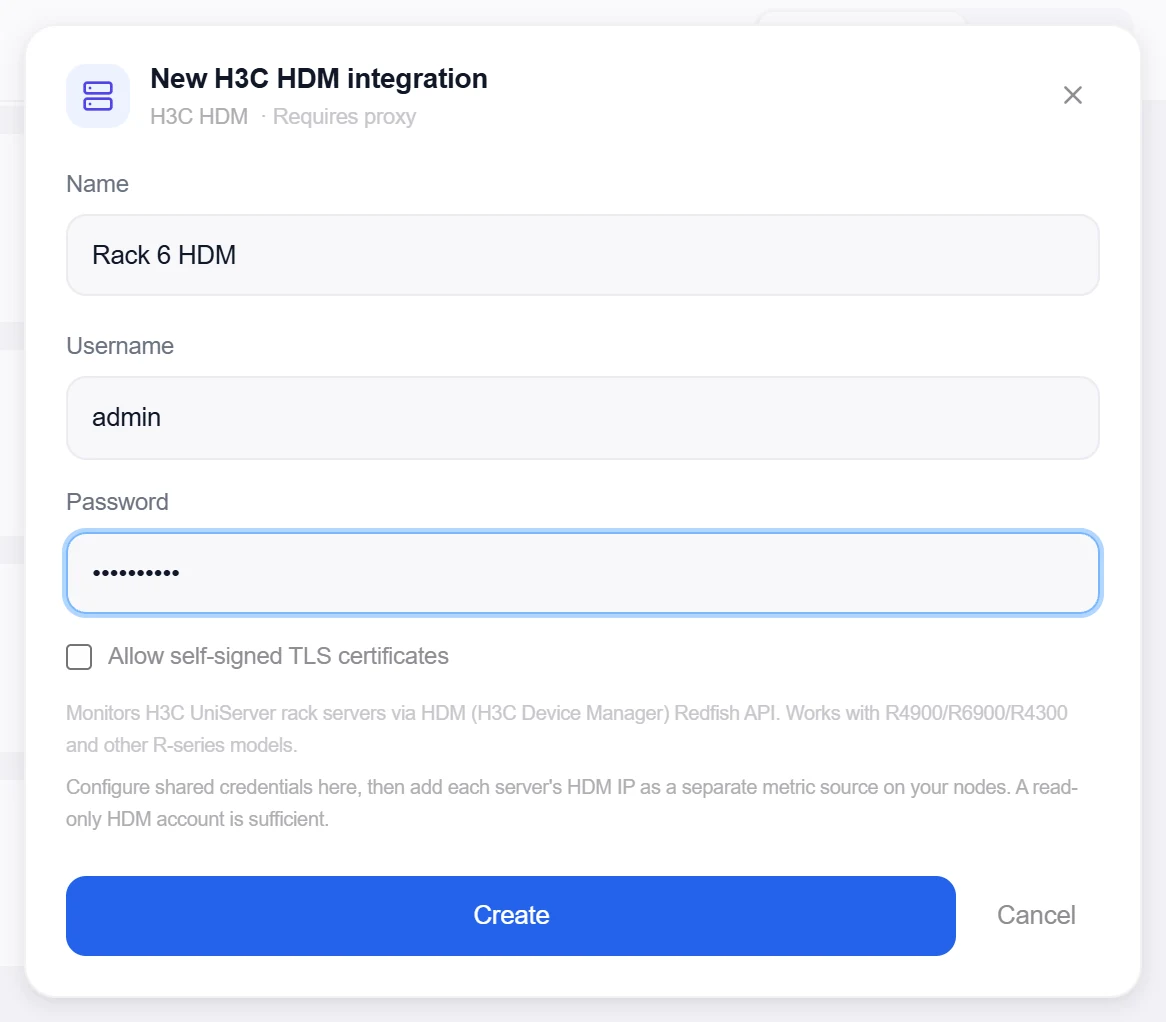
- Enter the credentialsUsername and Password — individual hosts live on the metric sources. Tick Allow self-signed TLS certificates for factory certs.
- Create, then verifyClick Create, then reopen the integration, enter any HDM IP under Test Host, and click Test — it discovers the real Systems/Managers resource ids and reports the server model plus the HDM firmware. The test host isn’t saved.
Target on a private network? Route it through a proxy agent. Proxy agents run inside your network — behind NAT, on a management VLAN, in an air-gapped segment — and reach targets the Topologix server can't. The agent polls the server every 15 seconds for its assignments, runs the checks locally, and pushes results back every 5 seconds, so no inbound firewall rules are ever needed. Set a default proxy on the integration; every metric source can override it. If a proxy goes offline, its sources are marked stale within ~90 seconds and the last known values stay visible.
2 · Add it to a flow
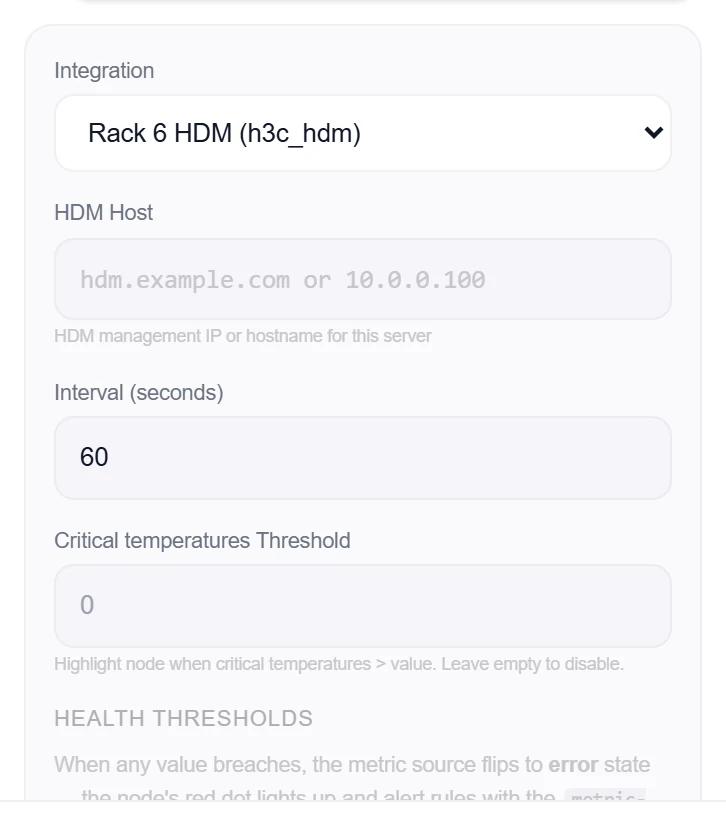
- Select the server nodeClick the node, open Metrics, then + Add and choose the H3C HDM integration.
- Enter the host — and optionally a card badgeEach server’s HDM Host lives on the source. Discover sensors lists the enabled temperature sensors for the Card temperature badge — a color-coded pill (green < 35°C · orange ≥ 35°C · red ≥ 39°C). There is no per-sensor picker: the source always tracks the whole chassis.
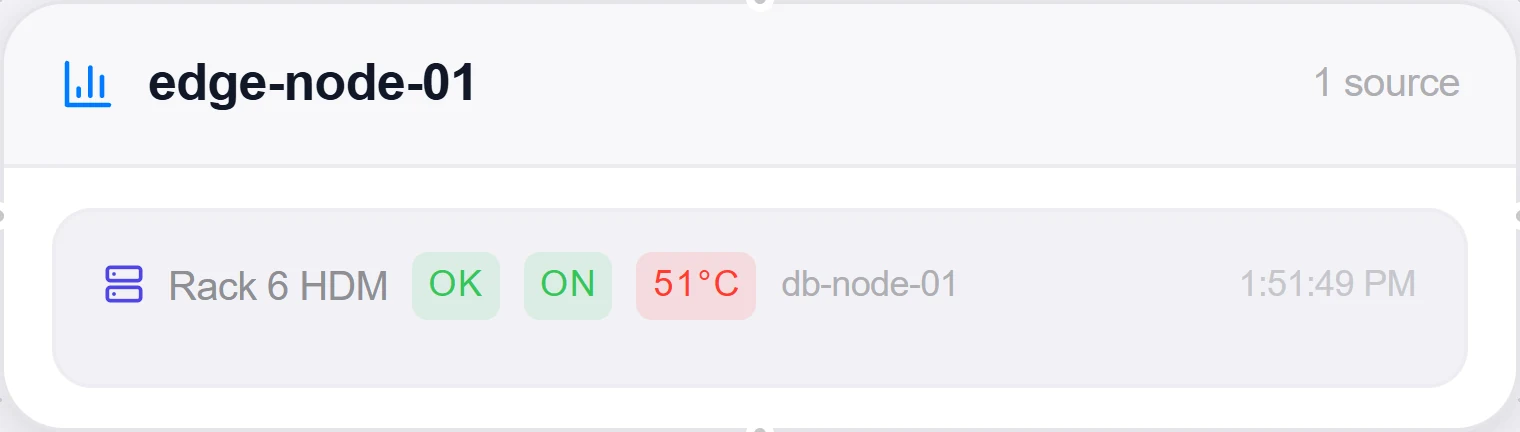
- SaveSet the interval and click Add Source. The card shows health and power state, temperature counts (OK / warn / crit), fans, consumed watts, PSUs, drives, and NICs as healthy-of-total counts.
Good to know
- HDM firmware doesn’t always expose
/Systems/1/— the fetcher discovers each resource’s real@odata.idfrom the collection root and only falls back to the conventional path. - Drives and RAID arrays are probed through several HDM variants — a Chassis
Drivescollection,Links.Drivesreferences, andStorages→Volumes — and models that expose none of them simply report 0/0 instead of failing the source. - Network ports prefer Chassis NetworkAdapters (H3C reports
LinkStatus: "Up"andCurrentLinkSpeedMbps) and fall back to standard EthernetInterfaces, so both HDM generations count NICs correctly. - Warranty. H3C offers only a web entitlement lookup — there is no warranty API to call — so an HDM server’s warranty row is entered by hand or imported from CSV. Topologix reads the chassis serial the entitlement page asks for automatically and shows it on the card; Set warranty takes the end date, support level and a note, and the card then shows days remaining with the same honest colouring as every other BMC.
- A hand-entered or imported record is never overwritten by any background refresh, and a server with no warranty on file stays grey — never green. A CSV of warranty dates can be imported before the HDM integration even exists: unmatched rows are kept and flagged, because a warranty sheet usually arrives before the monitoring does.
More Infrastructure & Networking integrations
See it on your own infrastructure
Book a demo and we will walk you through Topologix with your systems in mind: on our cloud, or self-hosted in your own network.